Create questions with AI
Let ChatGPT, Gemini or Copilot write a first set of questions with a ready-made prompt, then paste them in and check them.
For teachers
- 1
Open "✨ Create with AI"
In the editor, press "✨ Create with AI" next to "+ Add", or choose it at the top of the "+ Add" menu.
- 2
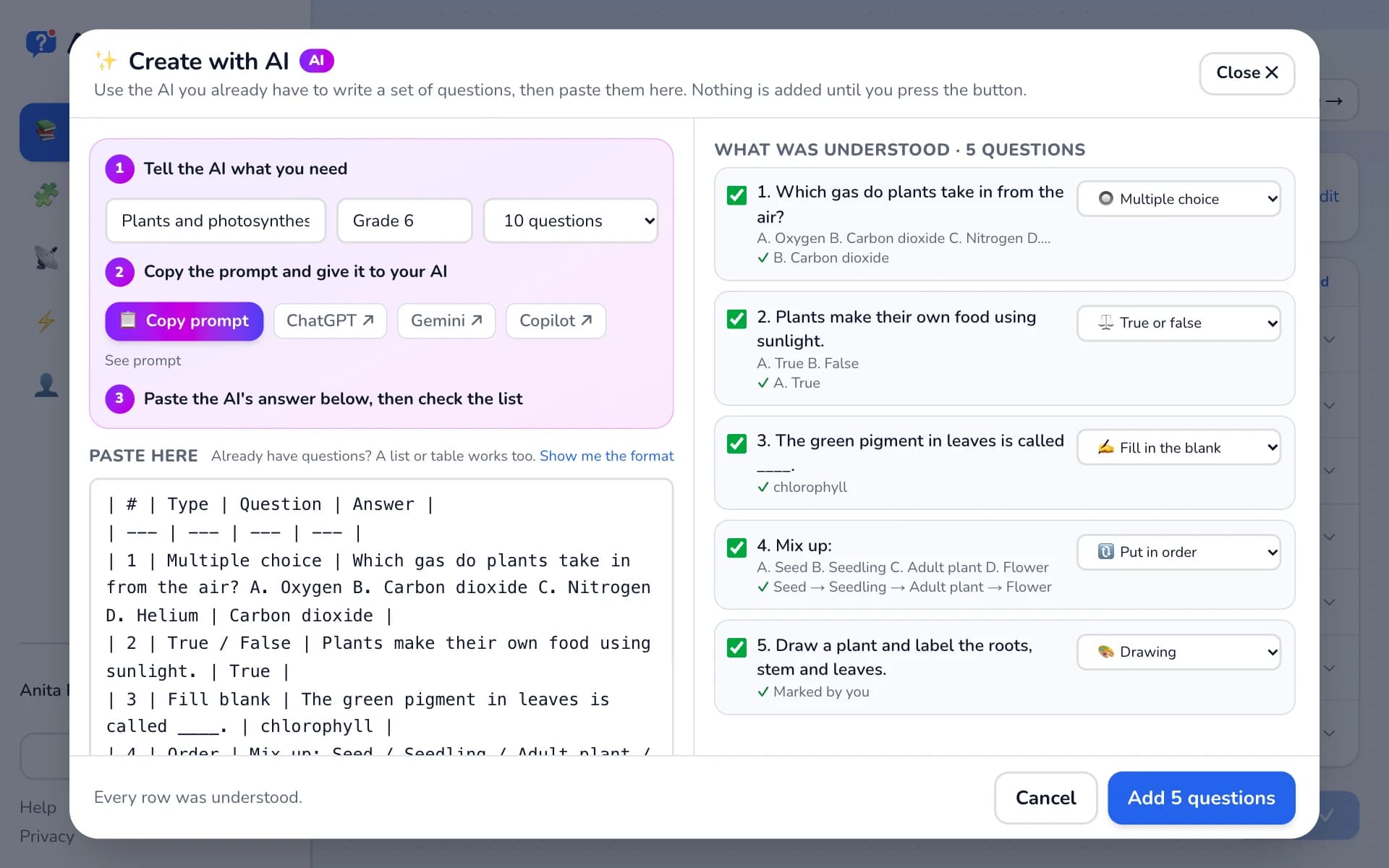
Tell the AI what you need
Type the topic, the grade or age, and how many questions. The prompt fills itself in.
- 3
Copy the prompt into your AI
Press "📋 Copy prompt". Open ChatGPT, Gemini or Copilot (the buttons open them in a new tab), paste the prompt and send it.
- 4
Paste the answer back
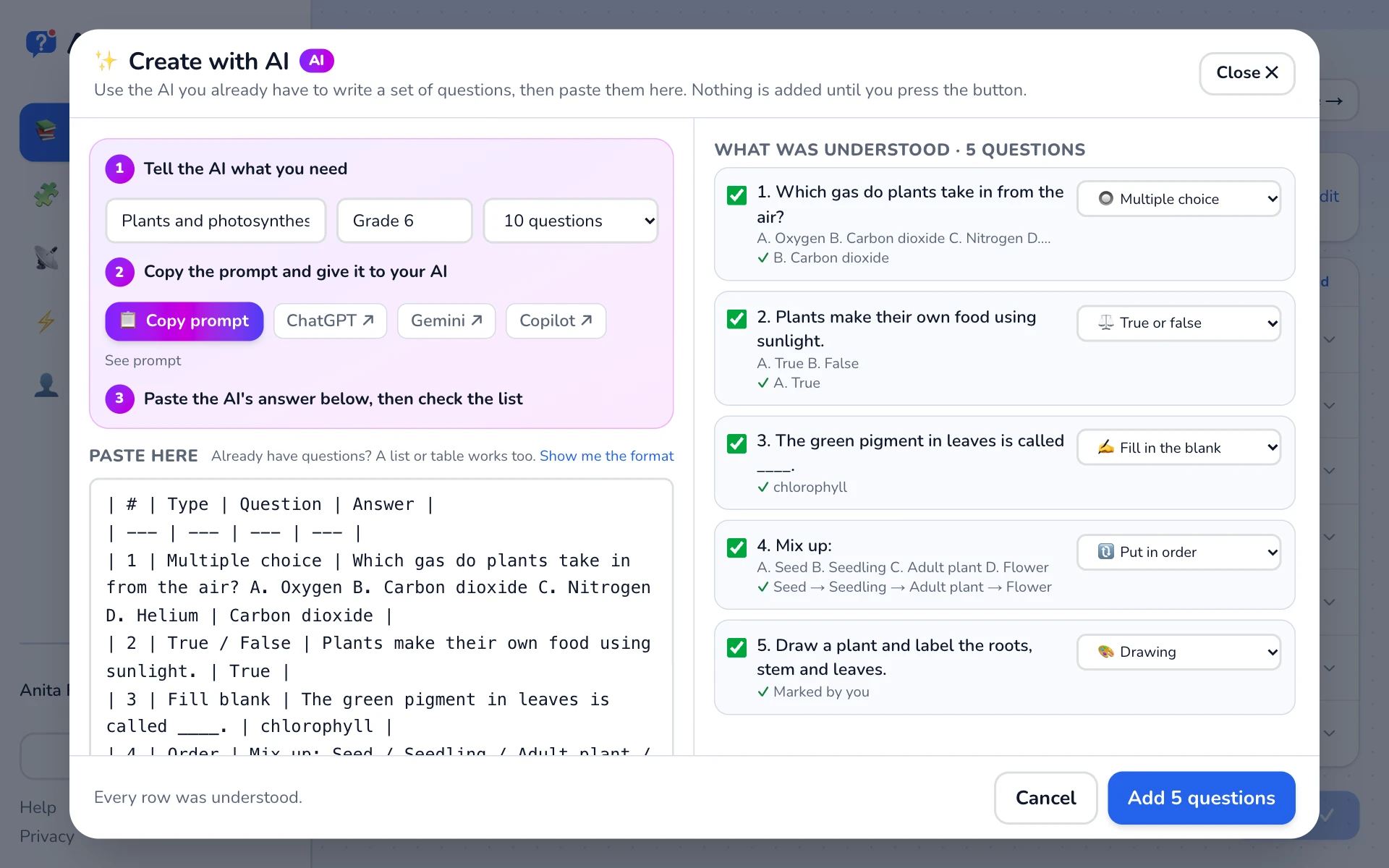
Copy the AI's whole reply and paste it into "Paste here". The questions appear on the right under "What was understood", each with its answer.
- 5
Check and add
Untick any you do not want and change a type if needed, then press "Add … questions". Rows marked ⚠ need a quick fix in the editor.
Good to know
- AI can make mistakes. Read every question and answer before you go live.
- The prompt runs in your own AI account. Askroom Live does not send anything to an AI.
- Questions you already have in Word, Google Docs or a spreadsheet paste in the same way, without an AI.
Related
Was this page helpful?