Exam mode
Run a test in full screen with copying blocked, and see when a student leaves the test.
For teachers
- 1
Turn it on
When you go live, tick "Run this as an exam". Self-paced with answers shown "Never" or "At the end" works best.
- 2
Choose an automatic submit (optional)
"Submit a student's test automatically after … away in total": choose never, or 1 to 10 minutes away.
- 3
What students see
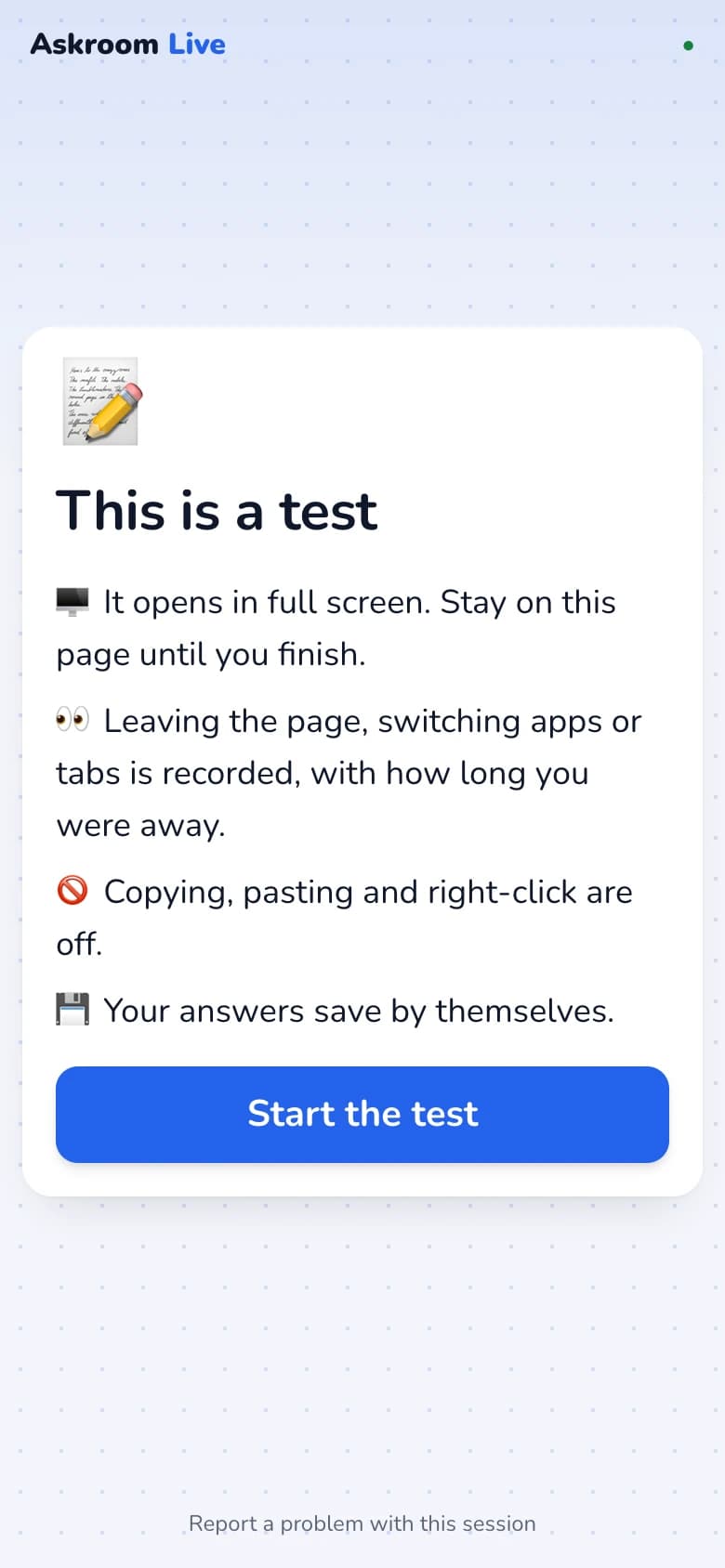
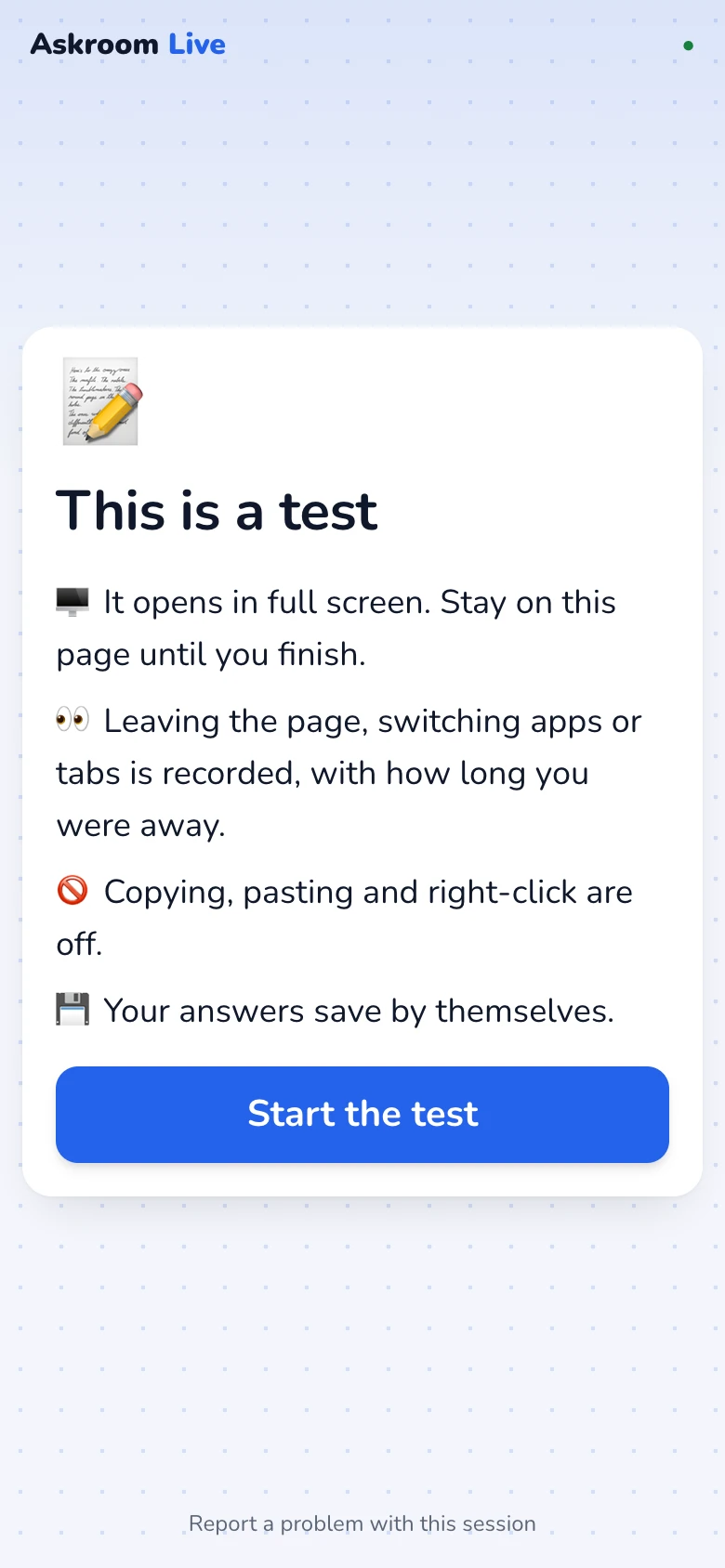
Students see "This is a test" with the rules and press "Start the test", which opens full screen. Copy, paste and right-click are blocked, and they cannot look back.
- 4
What you see
The results grid shows how often and how long each student left the test. Each student's sheet lists every event, such as "Left full screen" or "Tried to paste".
Good to know
No website can fully stop a student using another device. Exam mode makes leaving the test visible to you, which is what keeps most tests fair.
Related
Was this page helpful?