Drawing and worksheet tools
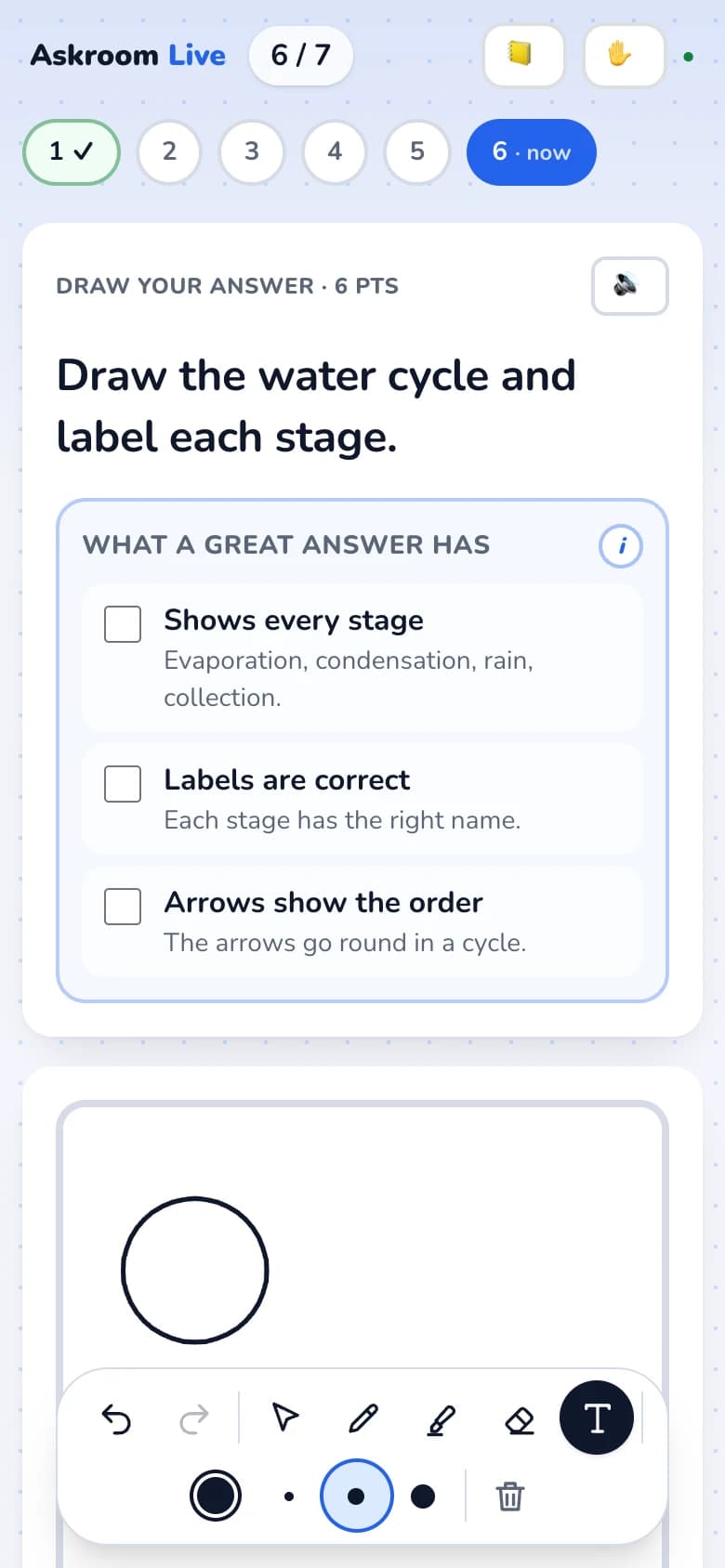
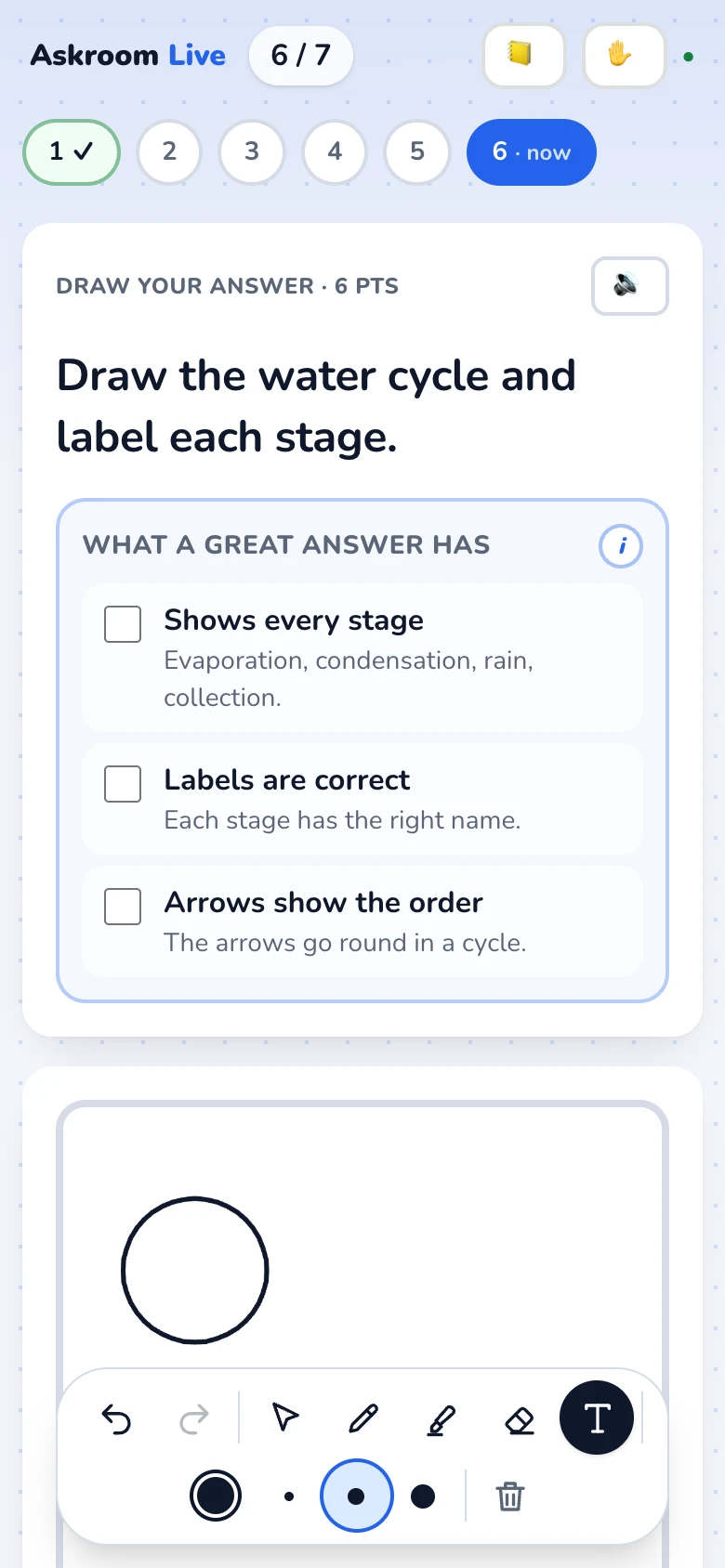
Pen, highlighter, eraser, text, select and move, undo and zoom.
For students
- 1
Pick a tool
The toolbar has "Pen", "Highlighter", "Eraser" and "Type text on the page", with colours and sizes.
- 2
Move or delete something
Choose "Select", tap a line or text to pick it, drag it to move, or press "Delete" or "Duplicate".
- 3
Undo and redo
"Undo" takes back the last change; "Redo" brings it back. "Clear the page" can be undone too.
- 4
Worksheets
Use the page tabs to move between pages, and zoom in to write neatly. "Move around the page" lets you scroll without drawing.
Related
Was this page helpful?