Live drawings and class voting
See every drawing and worksheet as students make it, share one on the projector, and let the class vote.
For teachers
- 1
See the live work grid
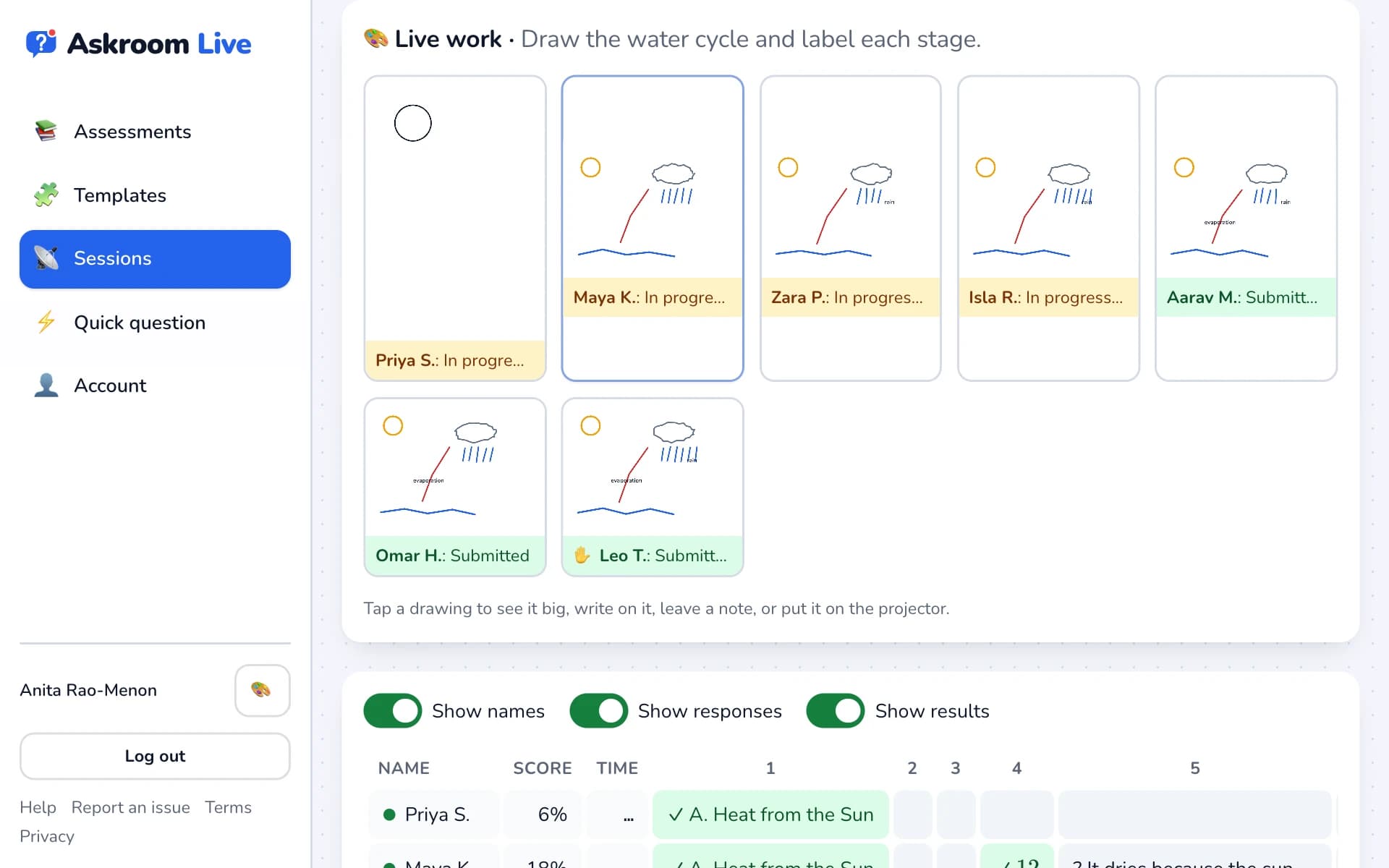
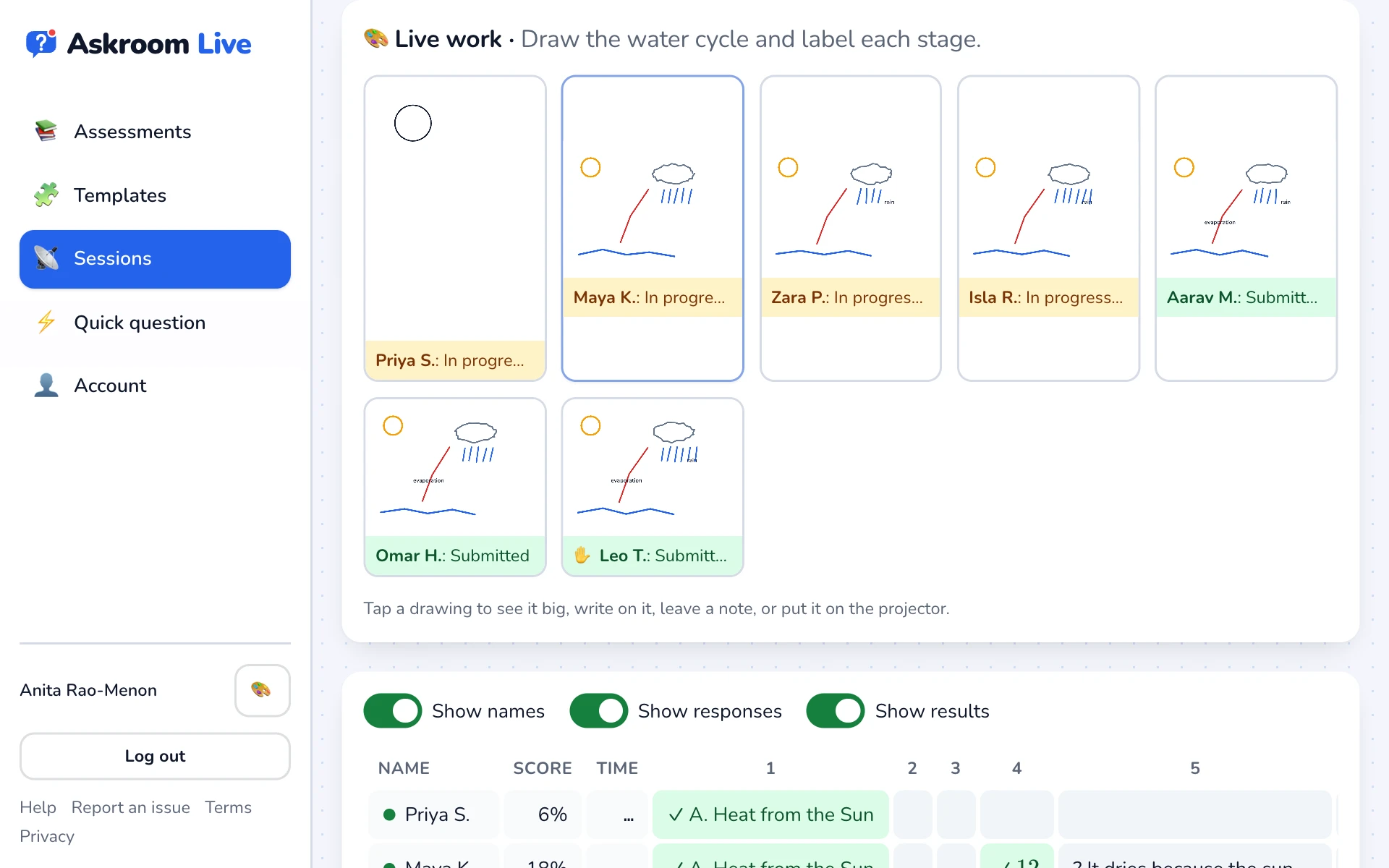
On a drawing or worksheet question, "🎨 Live work" shows every student's page, updating as they draw, with "In progress…" or "Submitted".
- 2
Open one
Tap a drawing to see it large, mark it, write on it in red, or ask the student to improve it.
- 3
Share with the class
In the open drawing, press "Share with the class" to show it big on the projector. Names never appear on the projector.
- 4
Let the class vote
For drawings and paragraphs in a teacher-paced session, press "🗳️ Open voting" and choose how long. Students see their classmates' answers (without names) and vote for their favourite. Press "■ Close voting" to end.
Related
Was this page helpful?