Create your teacher account
Sign up with your email, or with Google or Microsoft where available, and confirm your email with a code.
For teachers
- 1
Open the sign-up page
Go to askroomlive.com and press "Sign up free".
- 2
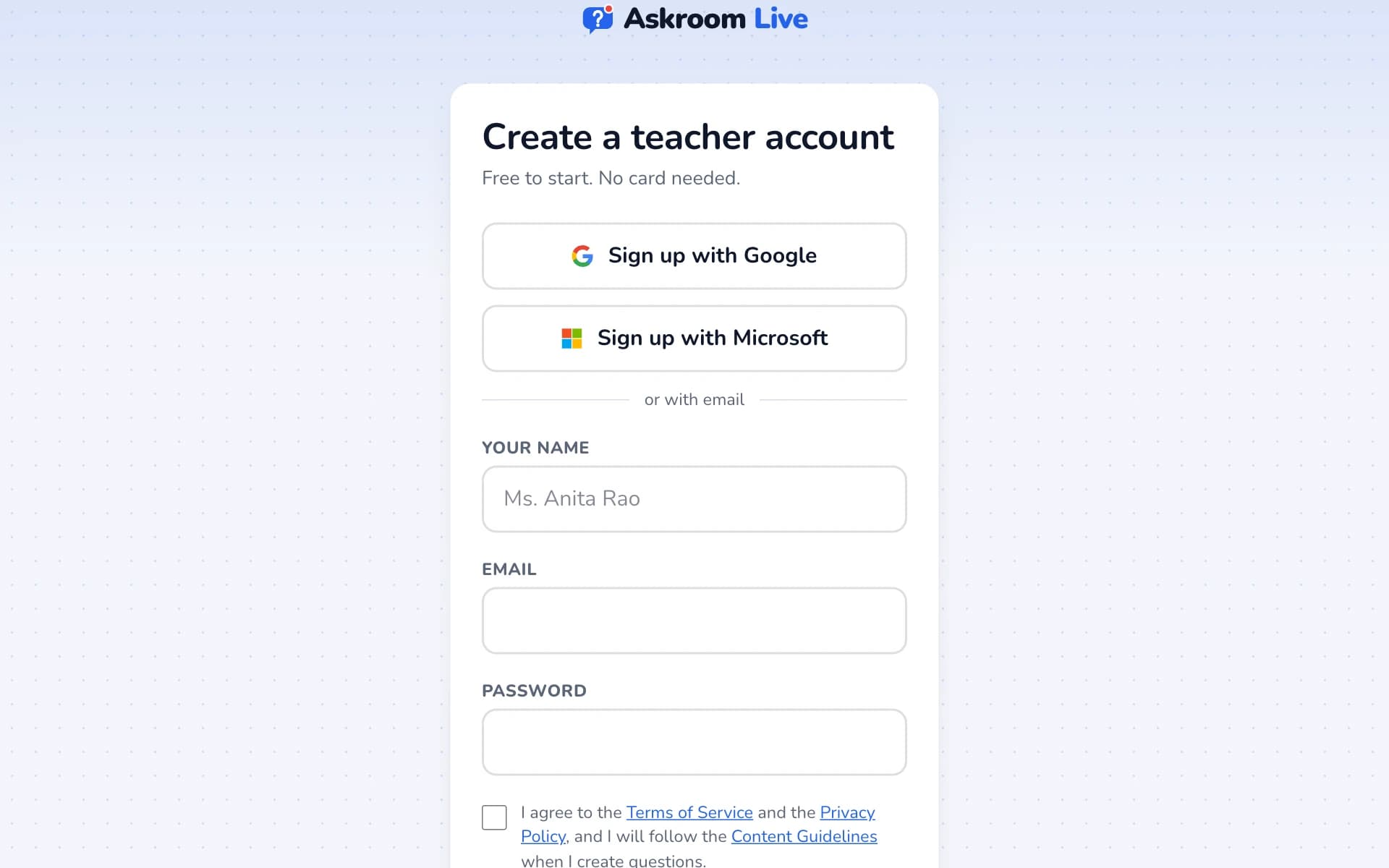
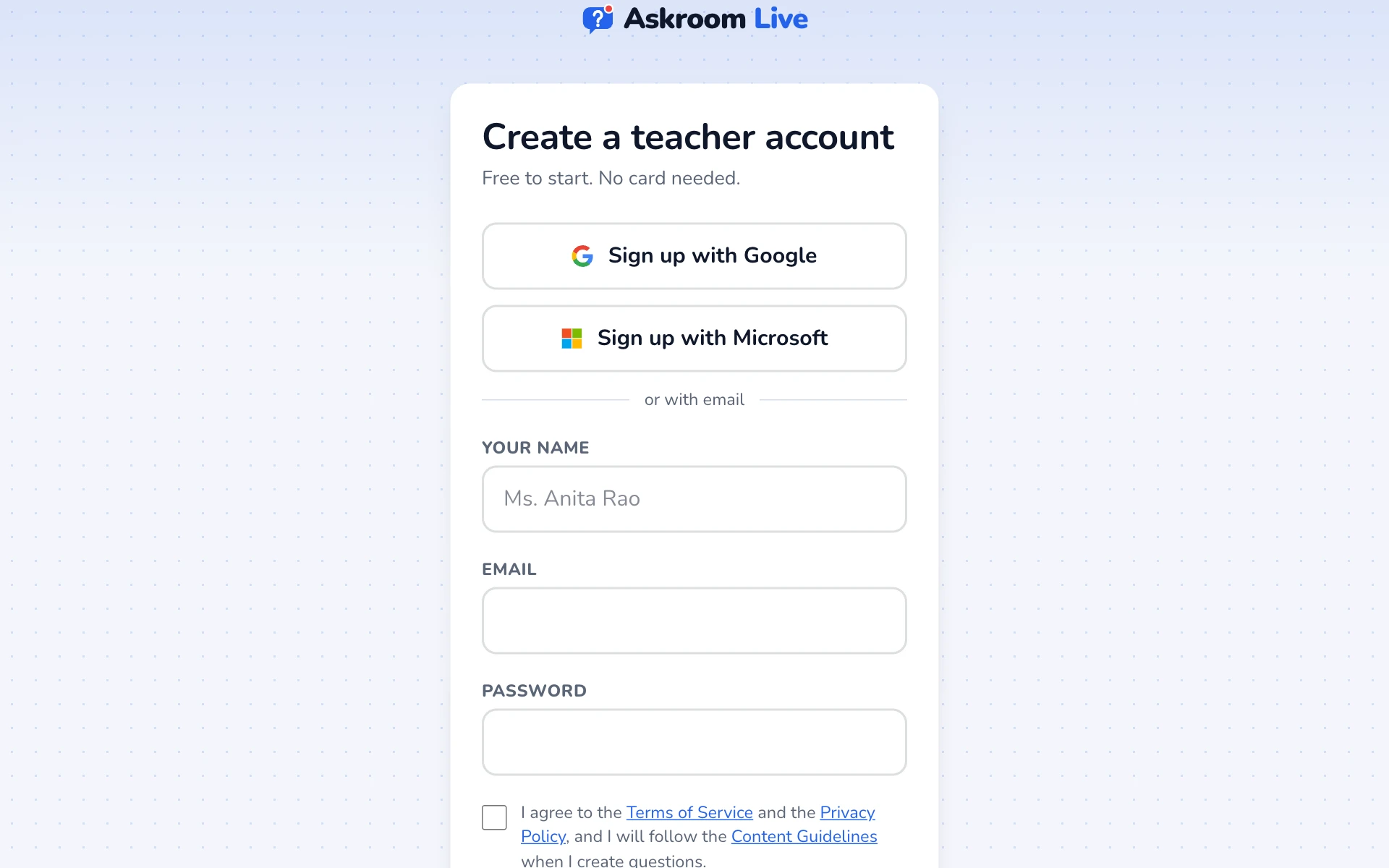
Fill in your details
Type "Your name" (students see it), your "Email" and a "Password" of at least 8 characters. Tick the box to agree to the terms, then press "Create account".
Tip: If you see "Sign up with Google" or "Sign up with Microsoft", you can use those instead and skip the password.
- 3
Confirm your email
We email you a 6-digit code. Type it under "Code" and press "Confirm and continue". The code works for 10 minutes.
Tip: No email? Check your spam folder, or press "send a new code".
- 4
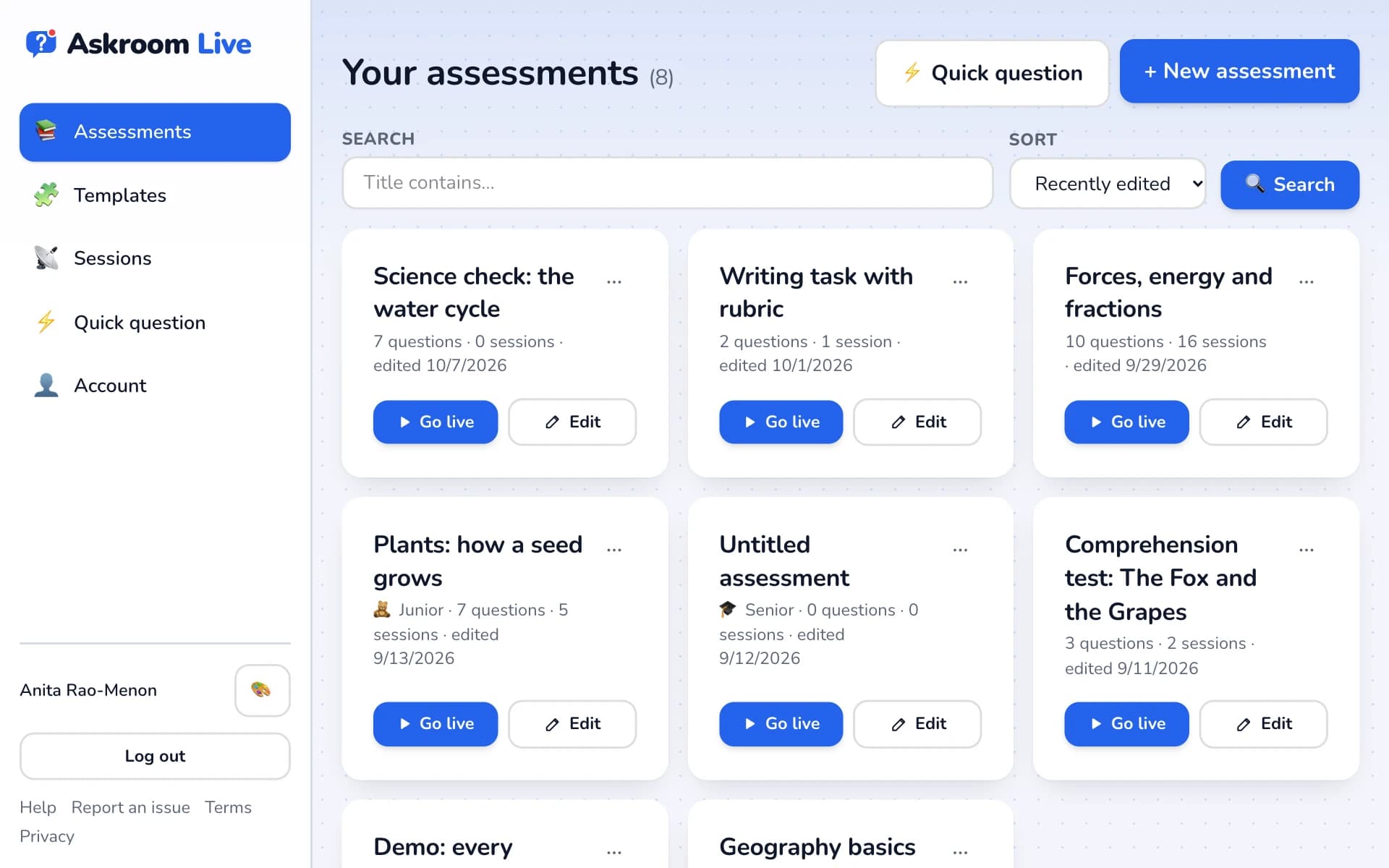
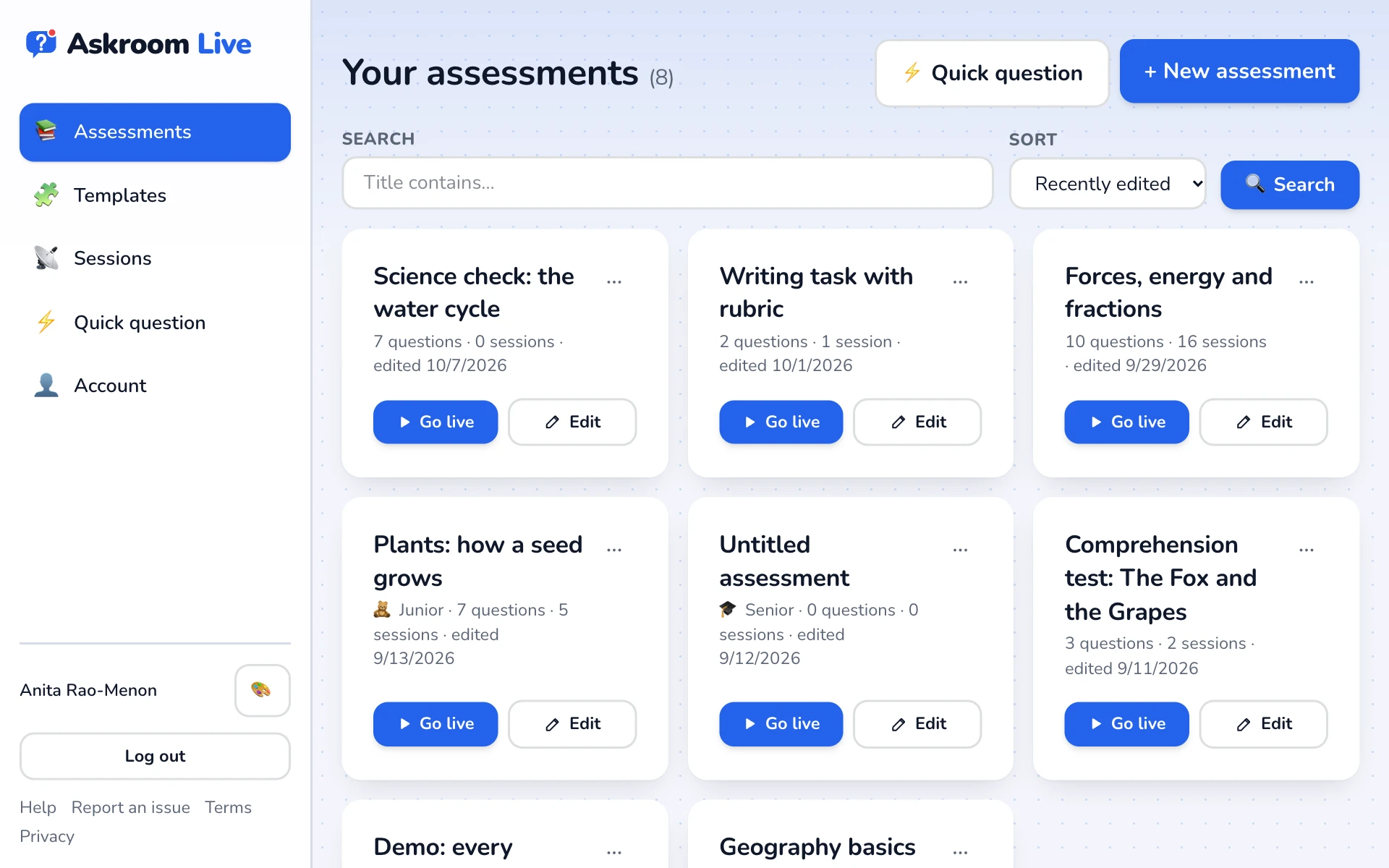
You are in
Your dashboard opens. This is where your assessments live.
Related
Was this page helpful?