Submit your test and see your results
Check your answers in "My work", submit, and see your score and feedback.
For students
- 1
Check your answers
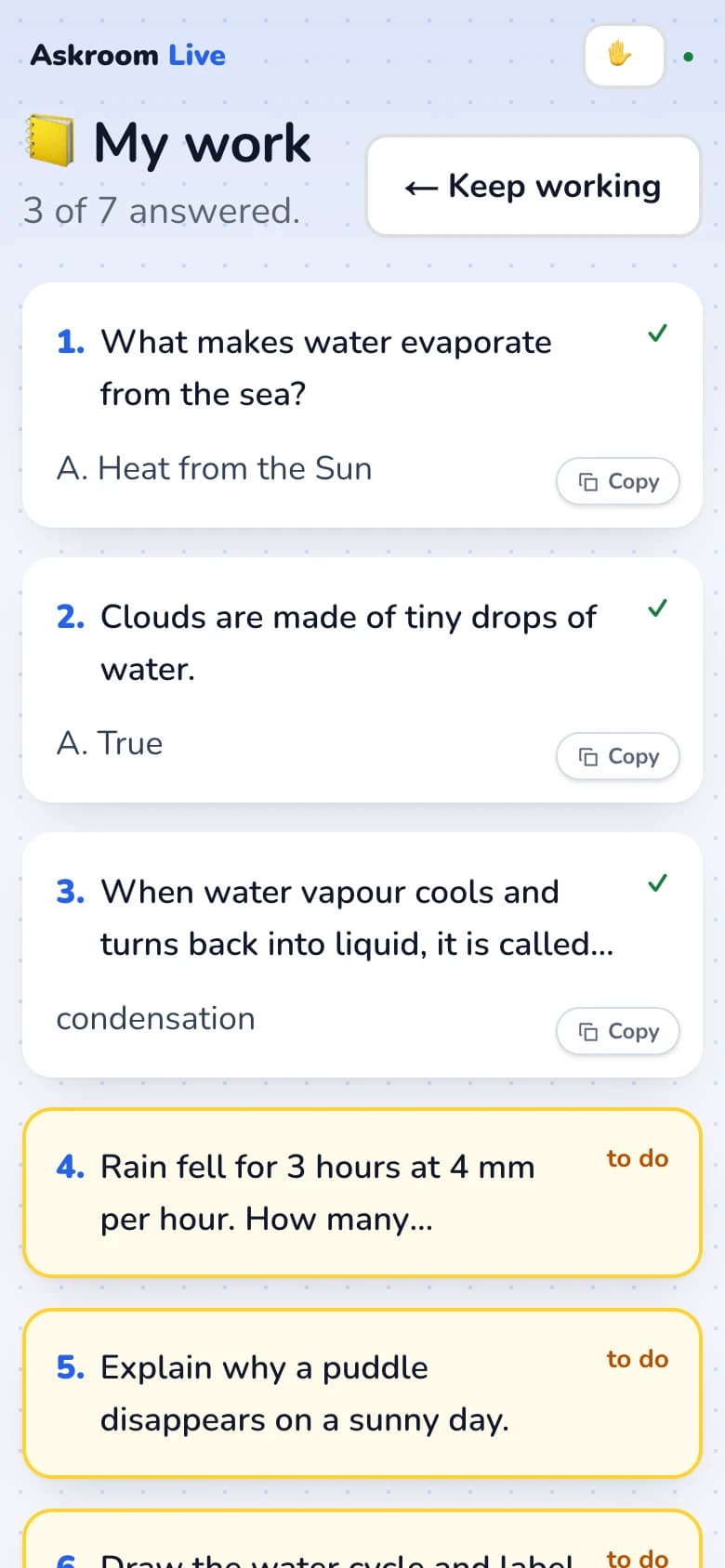
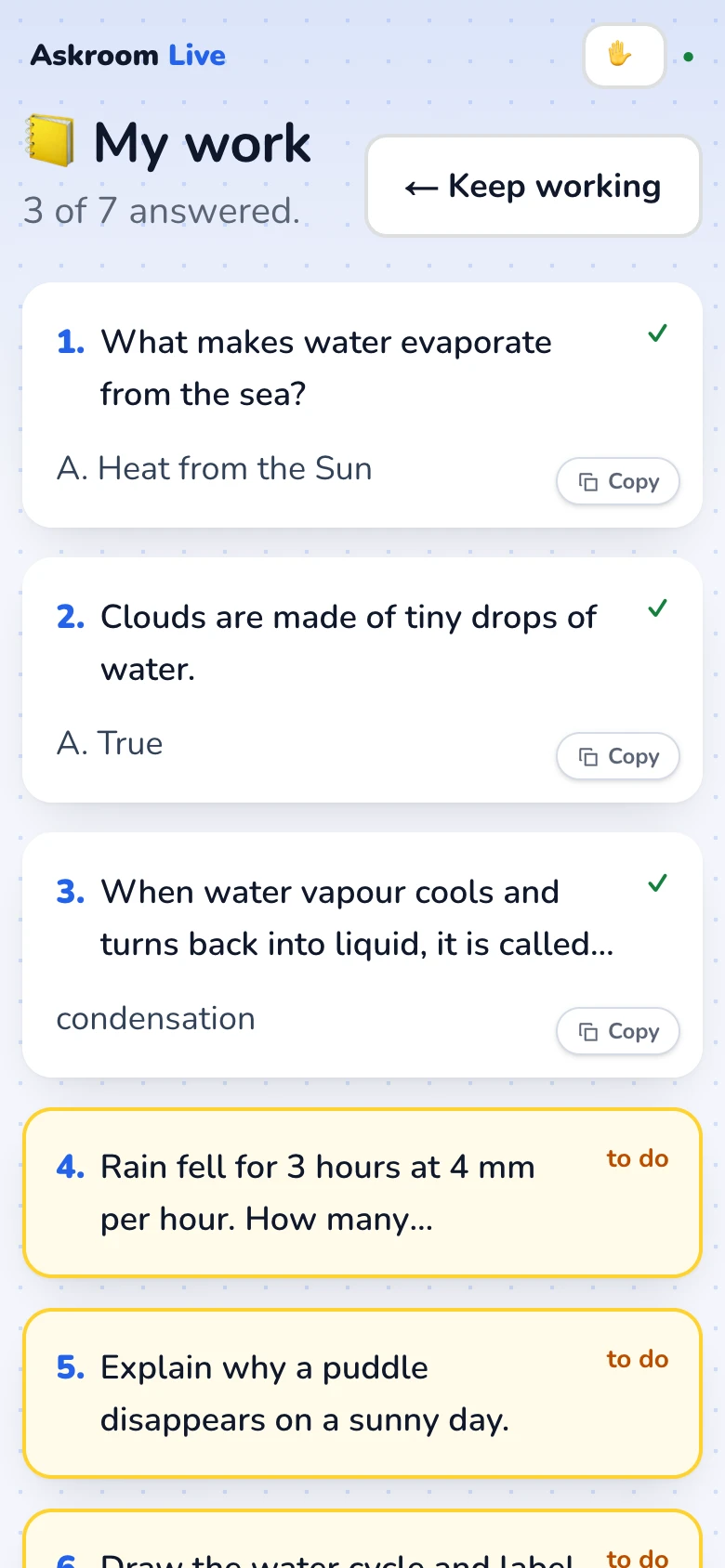
In a self-paced test, the last question's button is "Check my answers →". "📒 My work" shows all your answers.
- 2
Submit
Press "Submit and finish ✓", then "Submit". If something is not sent yet because of the connection, you are asked to try again; your work stays on your device.
- 3
See your results
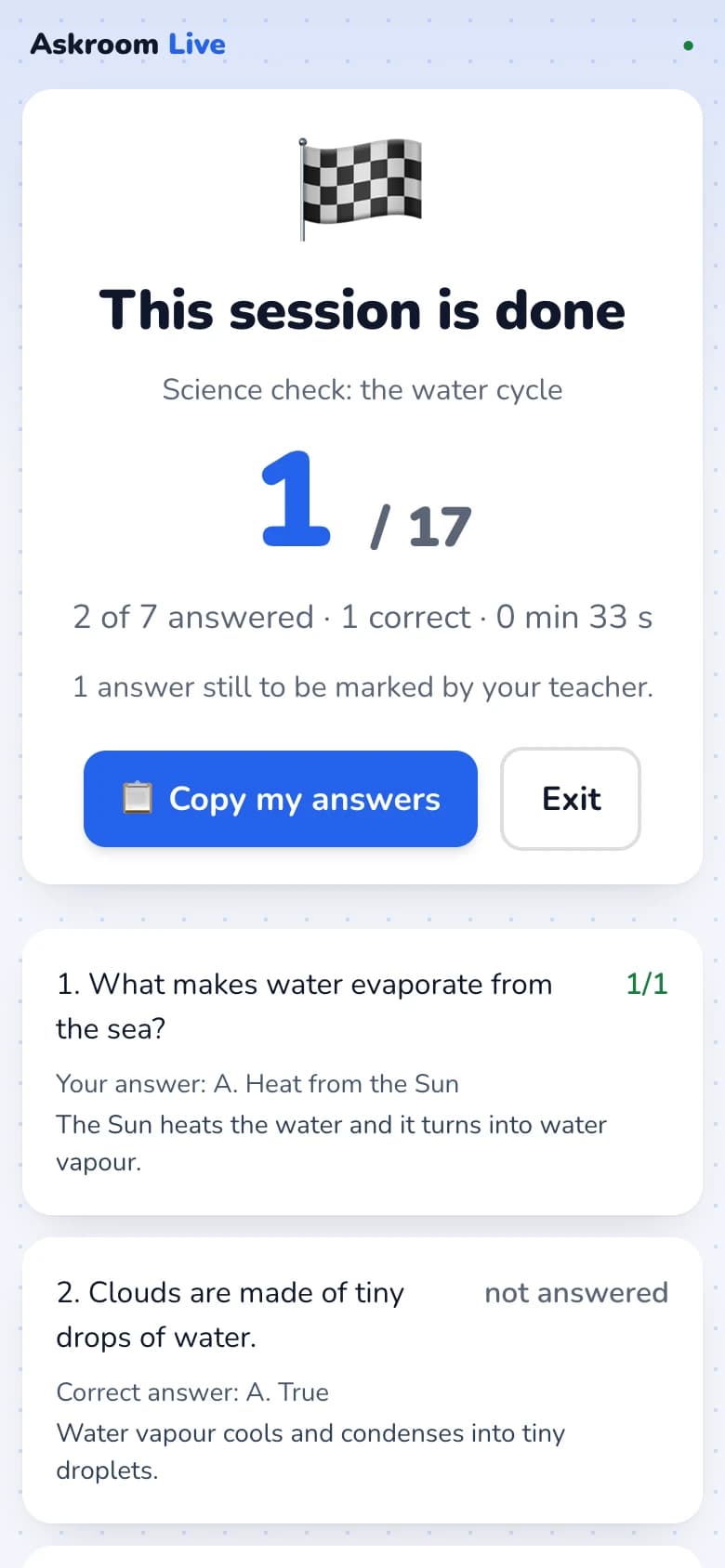
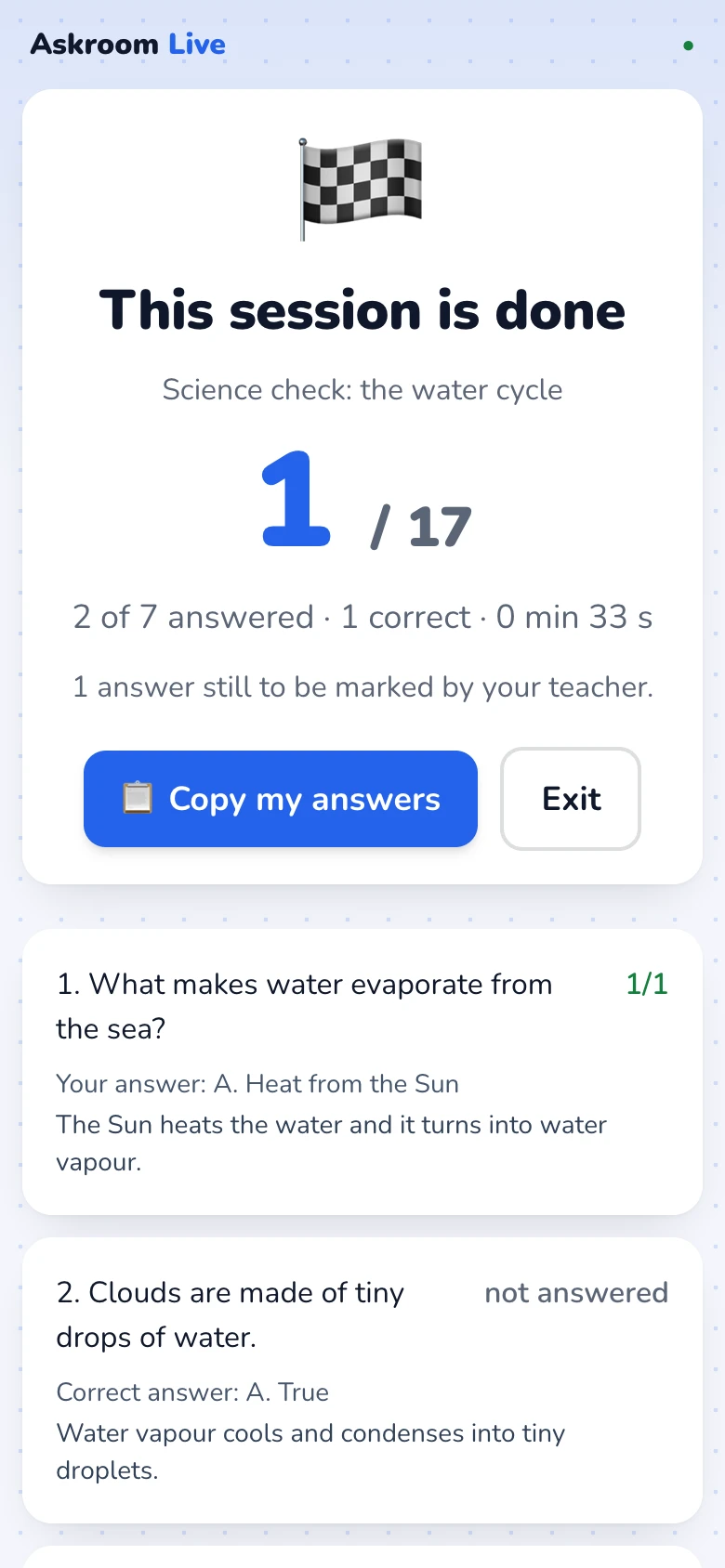
You see your score, how many you answered, and each question with your answer. Your teacher may still mark some answers.
- 4
Improve an answer
If your teacher asks you to improve an answer, you see "Your teacher asked you to improve this answer". Change it and press "Send my improved answer".
Related
Was this page helpful?