Join a session
Type the code and your name. No account and no app needed.
For students
- 1
Open askroomlive.com
On any phone, tablet, Chromebook or laptop. Or scan the QR code your teacher shows, which fills in the code for you.
- 2
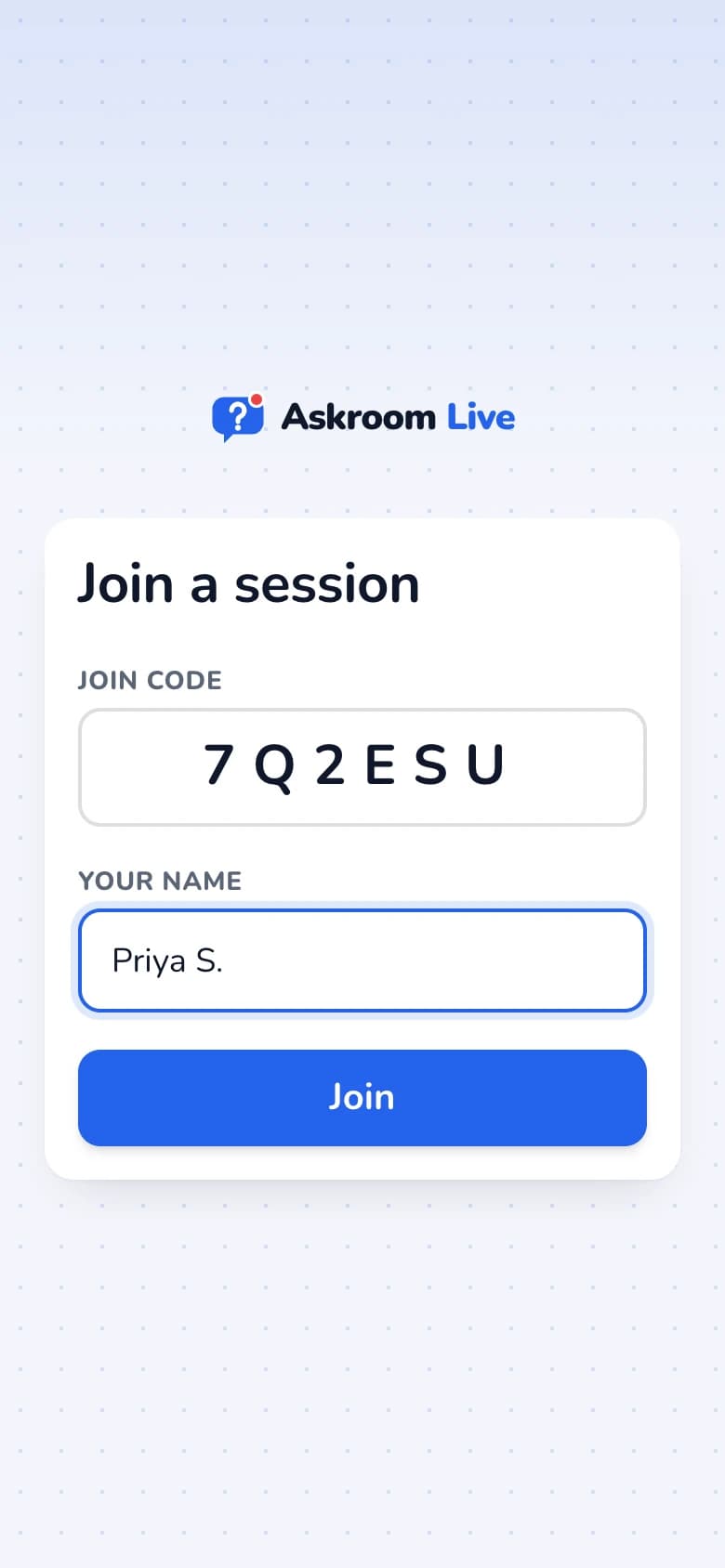
Type the code and your name
Enter the six-character "Join code" and "Your name", then press "Join".
- 3
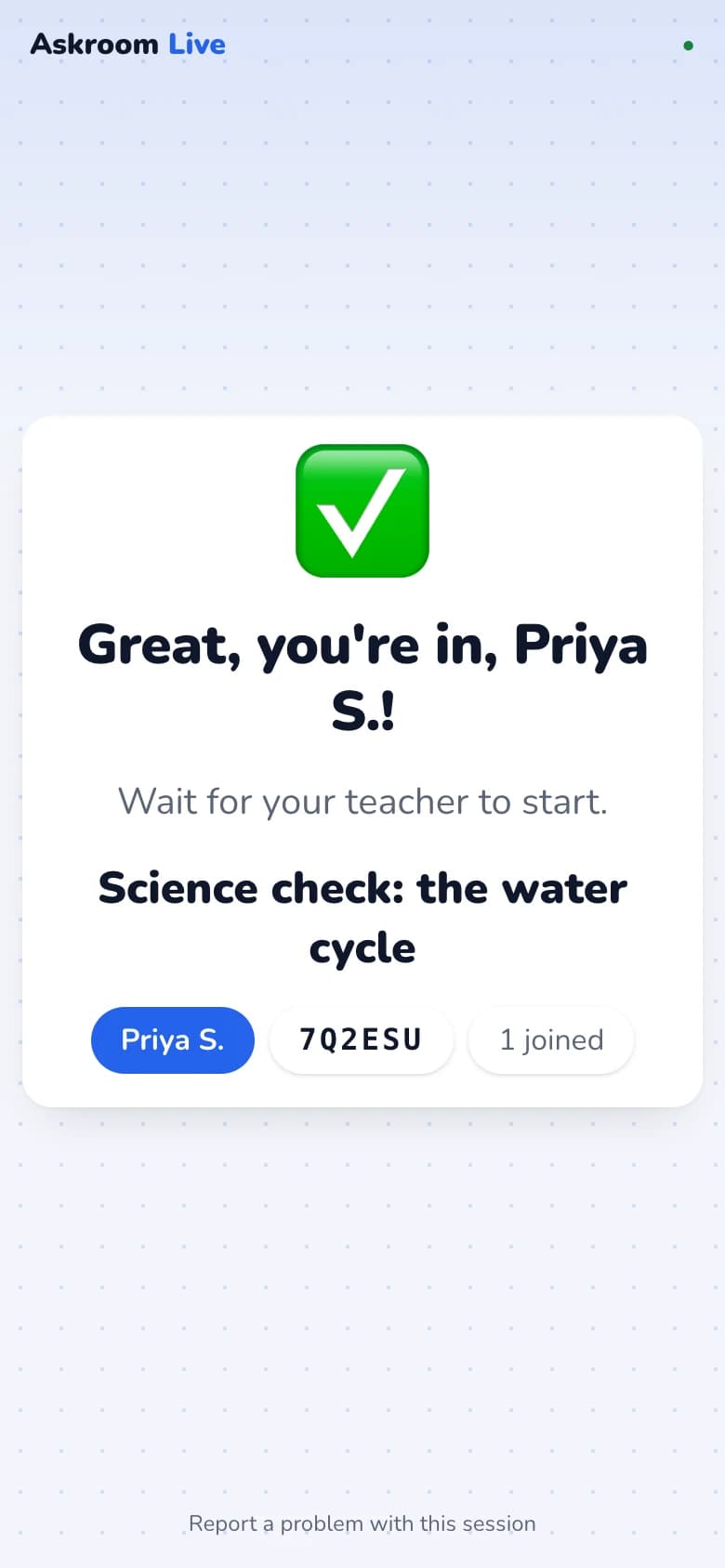
Wait for your teacher
You see "Great, you're in!" Your teacher will start soon.
If it does not work
- "No session found with that code.": check the code with your teacher.
- "… is already in this session": add your surname or an initial.
- "This join code has expired.": ask your teacher for a new session.
- The site does not open at all: your school network may block it. See "The site is blocked on my school network".
Related
Was this page helpful?